Hotel
Room service that lands on the folio
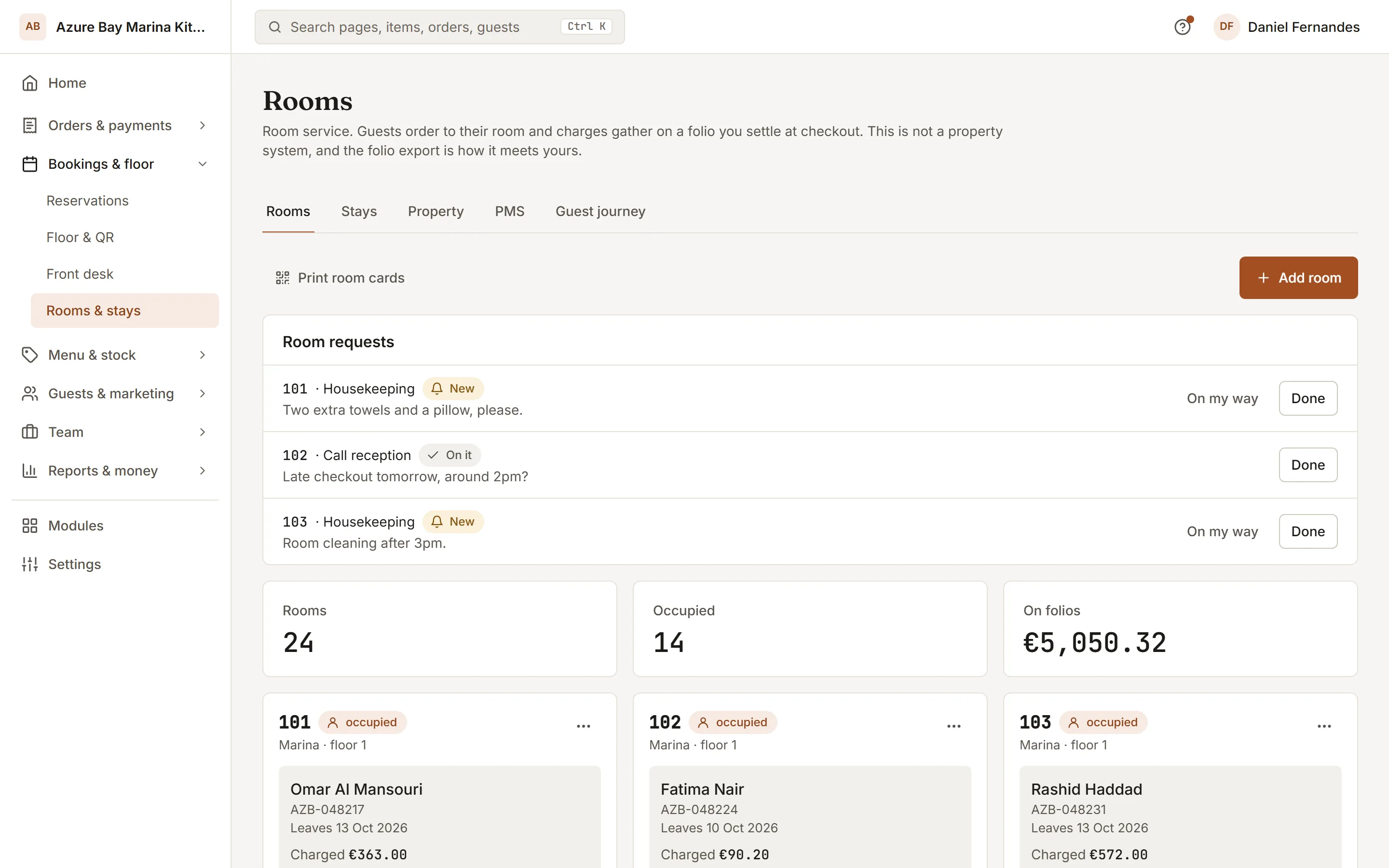
Each room gets its own QR code. Guests order from the menu you choose for them, and every charge sits on their folio until check-out.
Included inPro
- 01
One code per room
Add rooms by number, floor and wing. Each has a door-card link, so a guest can order without knowing the Wi-Fi password or the extension.
- 02
Charges on the folio
Orders are charged to the room, not paid at the door. Check in a guest with a booking reference, see what is due, export the folio as CSV at check-out.
- 03
What the rate includes
Breakfast in the rate? Choose the menu that covers it and those items show as covered, not charged. Remove a charge with a reason when something never arrived.
How to start
What you do in the back office to switch it on.
- Add your rooms and print each door card.
- Check in a guest, with breakfast if the rate includes it.
- Connect your property management system, if you use one.
Good for
Works with
Try it on your own menu
7-day free trial on every plan. No card. Cancel anytime.