For bars
Tabs, rounds and QR ordering for a busy bar.
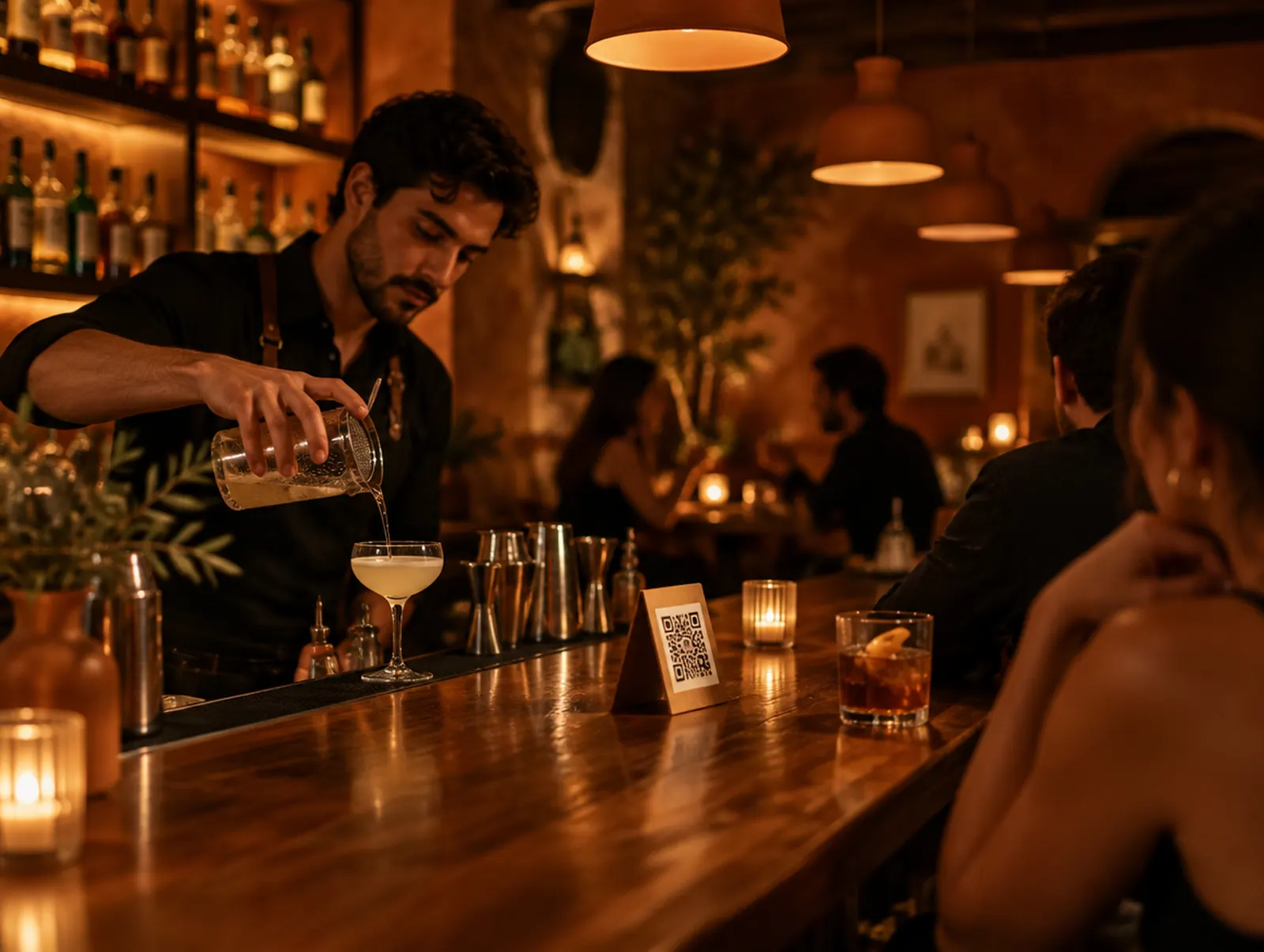
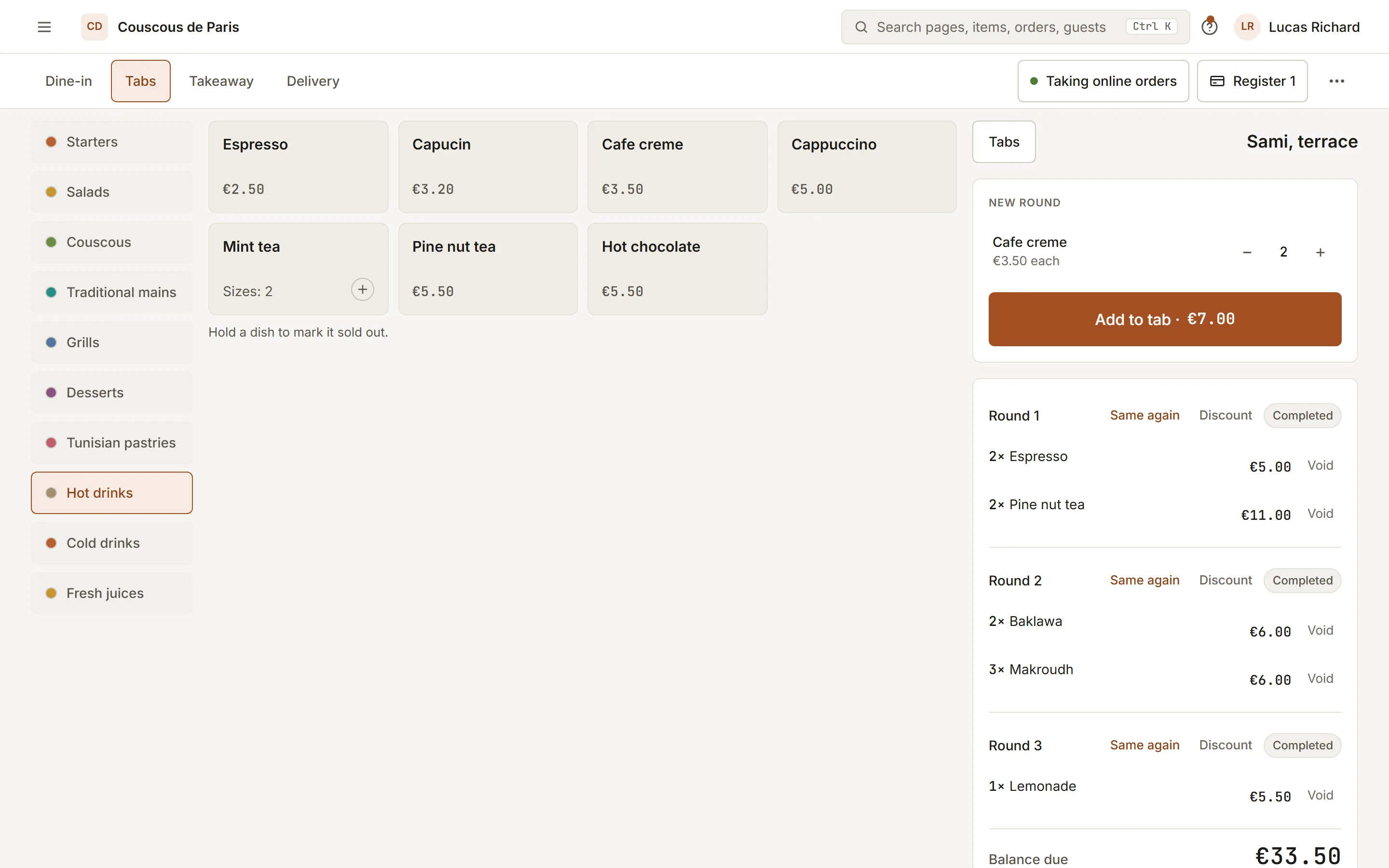
Open a tab on a card, add rounds from the bar or the table, and let guests order the next round from the QR code on the table.
7-day free trial on any plan. No card needed.
- 01
Tabs under control
Hold a card on a tab, see what is open and overdue, and settle or split at the end of the night.
- 02
Order from the table
Each table has its own QR code: the order lands on the bar screen with the table number on it.
- 03
Age checks built in
Drinks marked as age-restricted ask staff to check, at the drinking age of your country.
What bars switch on
The modules a new account for bars starts with, job by job. The rest stay out of the menu until you turn them on, and you can change any of it later.
- On
- On from the first day.
- Suggested
- Off at first, and worth a look.
- Off
- Off at first; turn it on when you need it.
Orders & payments
- QR ordering On
- Online ordering On
- Point of saleFrom Essential On
- Kitchen displayFrom Essential Off
- DeliveryFrom Growth Off
- Payments On
Bookings & floor
- ReservationsFrom Growth On
- Events & ticketsFrom Growth On
- Floor & QR On
Menu & stock
- Menus On
- Promotions On
- InventoryFrom Growth On
- Supplier marketplaceFrom Growth Off
- SustainabilityFrom Growth Off
Guests & marketing
- Guests On
- LoyaltyFrom Growth On
- Gift cardsFrom Growth On
- Campaigns & reviewsFrom Growth On
- Website On
- AI hostFrom Pro Off
- Extra revenueFrom Essential Off
Team
- Team & roles On
- Rota & time clockFrom Essential On
- Pay & tipsFrom Essential On
- Checklists On
- TrainingFrom Essential Off
Reports & money
- ReportsFrom Essential On
- Ask your numbersFrom Pro On
- Month-end closeFrom Essential Off
- CapitalFrom Essential Off
Platform
- Multi-locationFrom Pro Off
Recommended plan
Pro
The first plan that includes every module switched on for bars. Each plan is priced per branch.
Also made for
Try it on your own menu
7-day free trial on any plan. No card needed.