Reservations
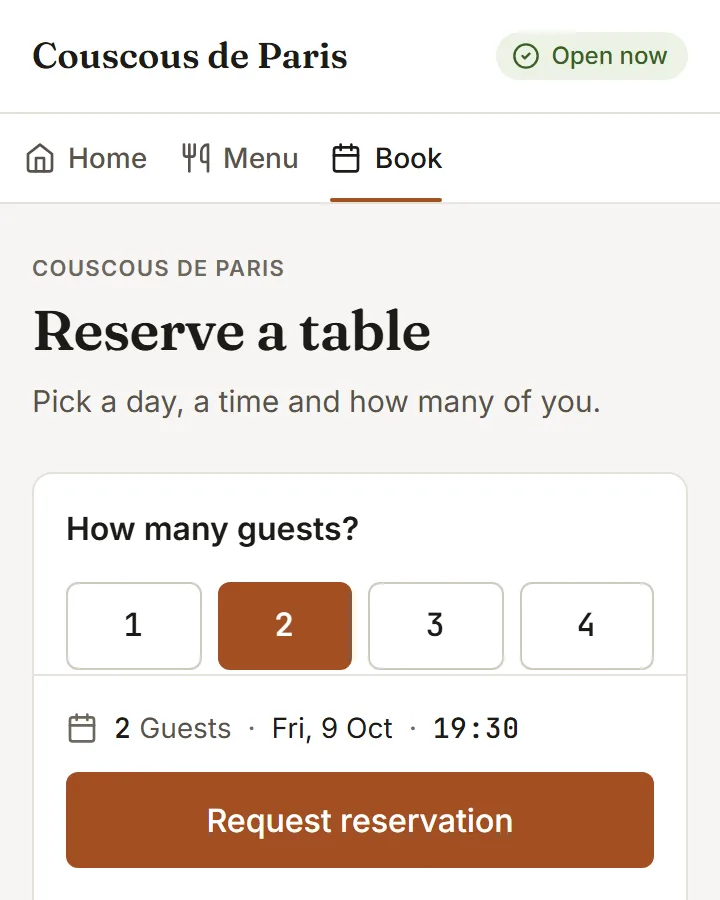
Fill the room, not the phone line
Guests book from your page in three taps. You see the day at a glance, ask for a deposit on the bookings that need one, and refund with one click when plans change.
Included inGrowthPro
- 01
A day at a glance
Move day to day and see who is coming, when, and how many. Reservations that need attention are pulled to the top.
- 02
Deposits by payment link
Ask for a deposit on a large party or a busy night. The guest gets a payment link; the booking shows settled when it is paid.
- 03
Refund without leaving the page
A cancellation is one action. The deposit goes back the way it came and the booking is closed with a reason.
How to start
What you do in the back office to switch it on.
- Add your service shifts and open them to online booking.
- Set the slot length and the largest party you take.
- Choose how guests get their confirmations and reminders.
Good for
Works with
Try it on your own menu
7-day free trial on every plan. No card. Cancel anytime.